Devtop icon

htop for developers,
as a native Mac app.

See every dev server, port, project, container, database and coding agent on your Mac, and start, stop or fix them in one place.

Free and open source · MIT licence · macOS 14 or later · Liquid Glass on macOS 26

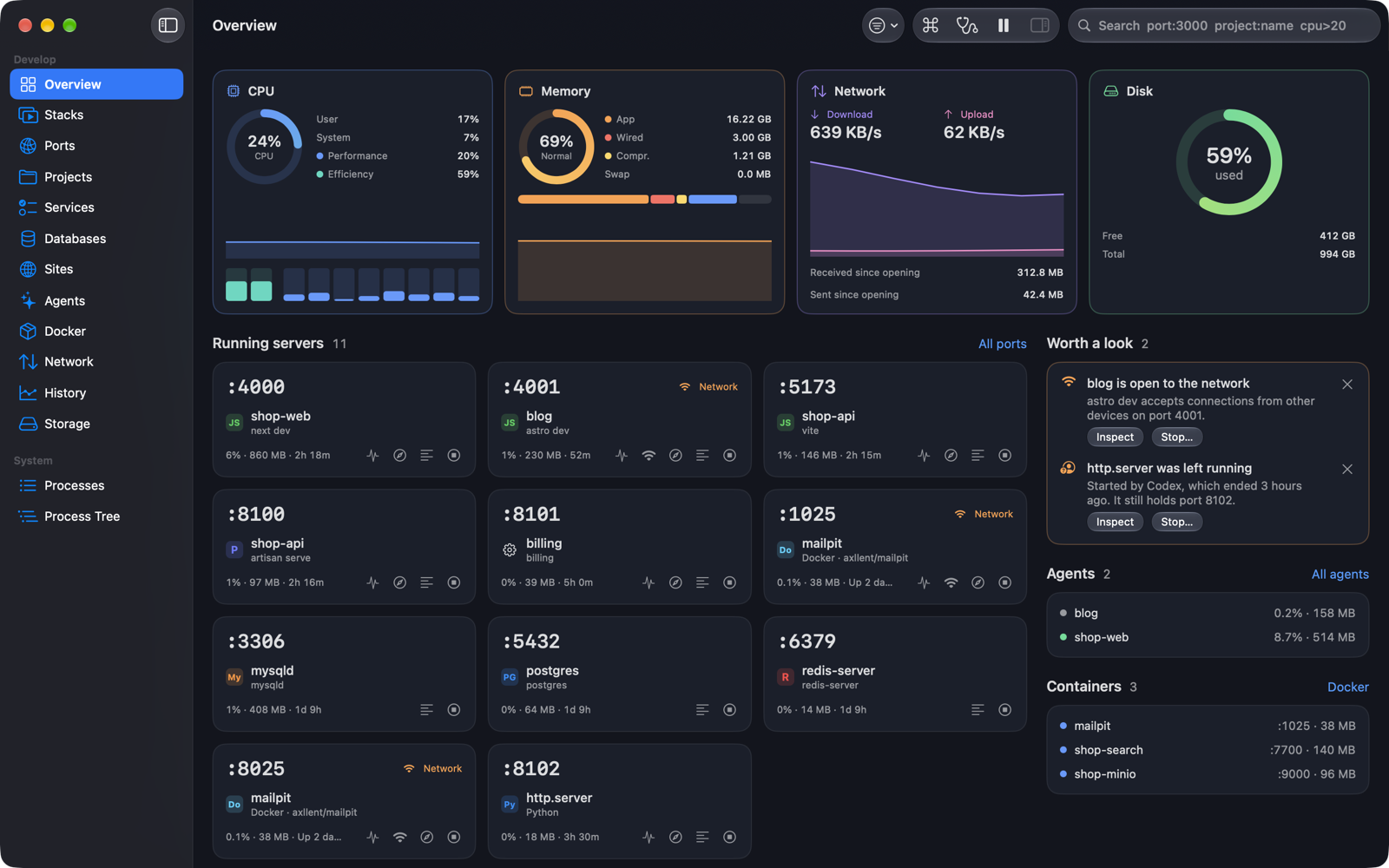
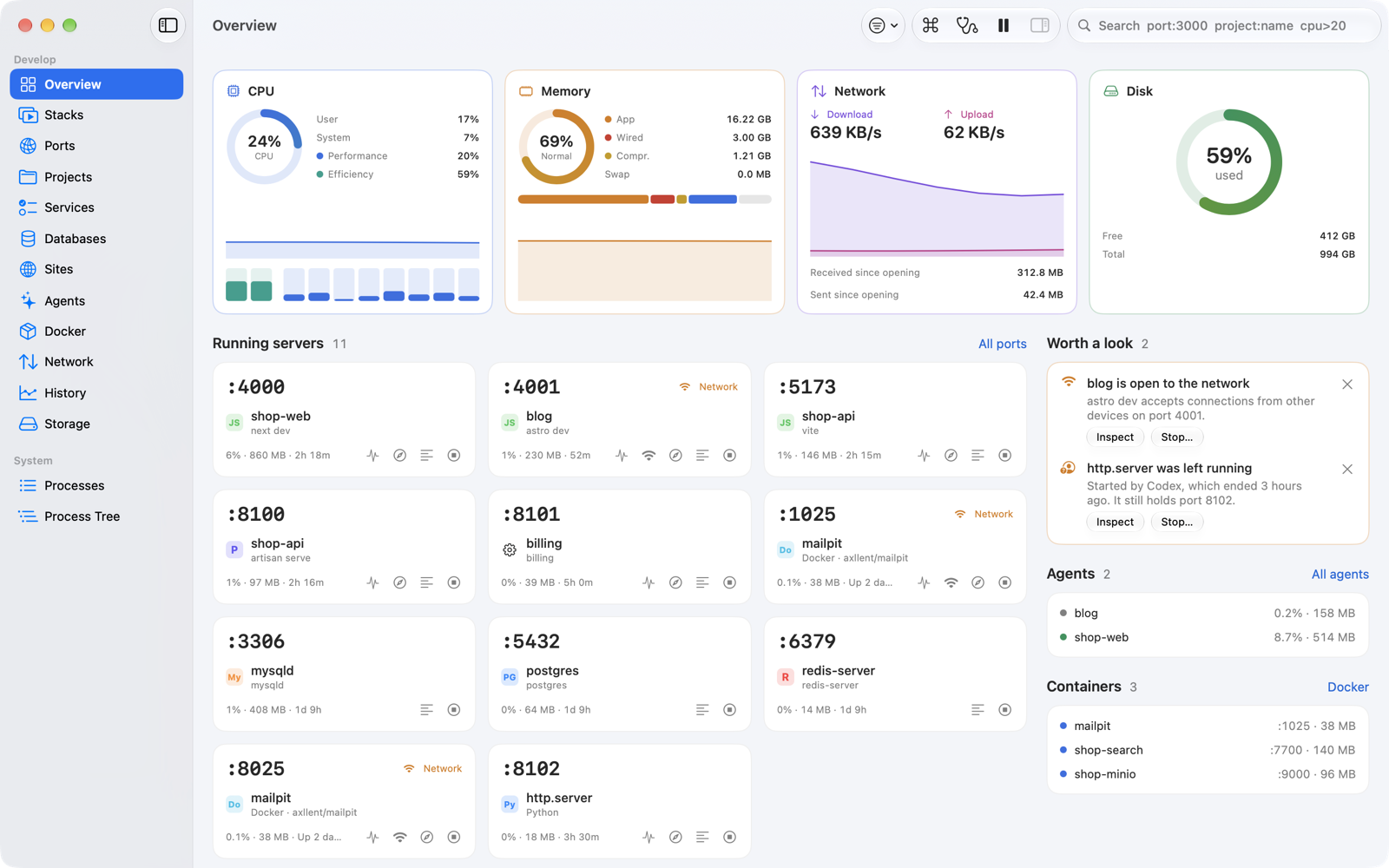
Devtop's Overview: CPU, memory, network and disk, running servers as cards, and things worth a look Devtop's Overview in light mode

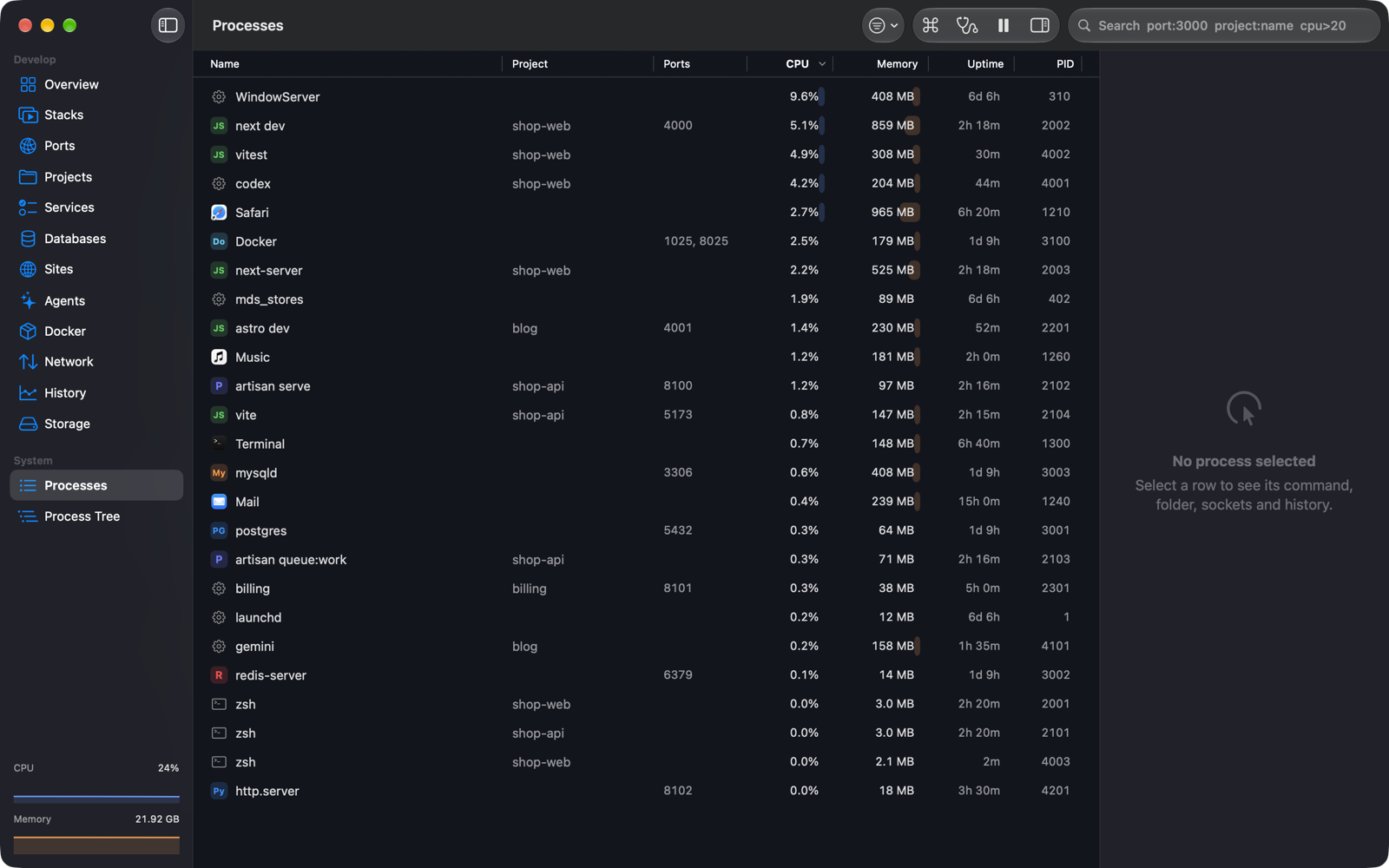
Activity Monitor says a process called node is using 4 GB.
Devtop says it's your shop's Next dev server on port 4000, started two hours ago, and gives you a button to stop it.

Everything your dev machine is running

Built for the way developers work: by project, by port, by tool. Not by process ID.

🖥

Every server, at a glance

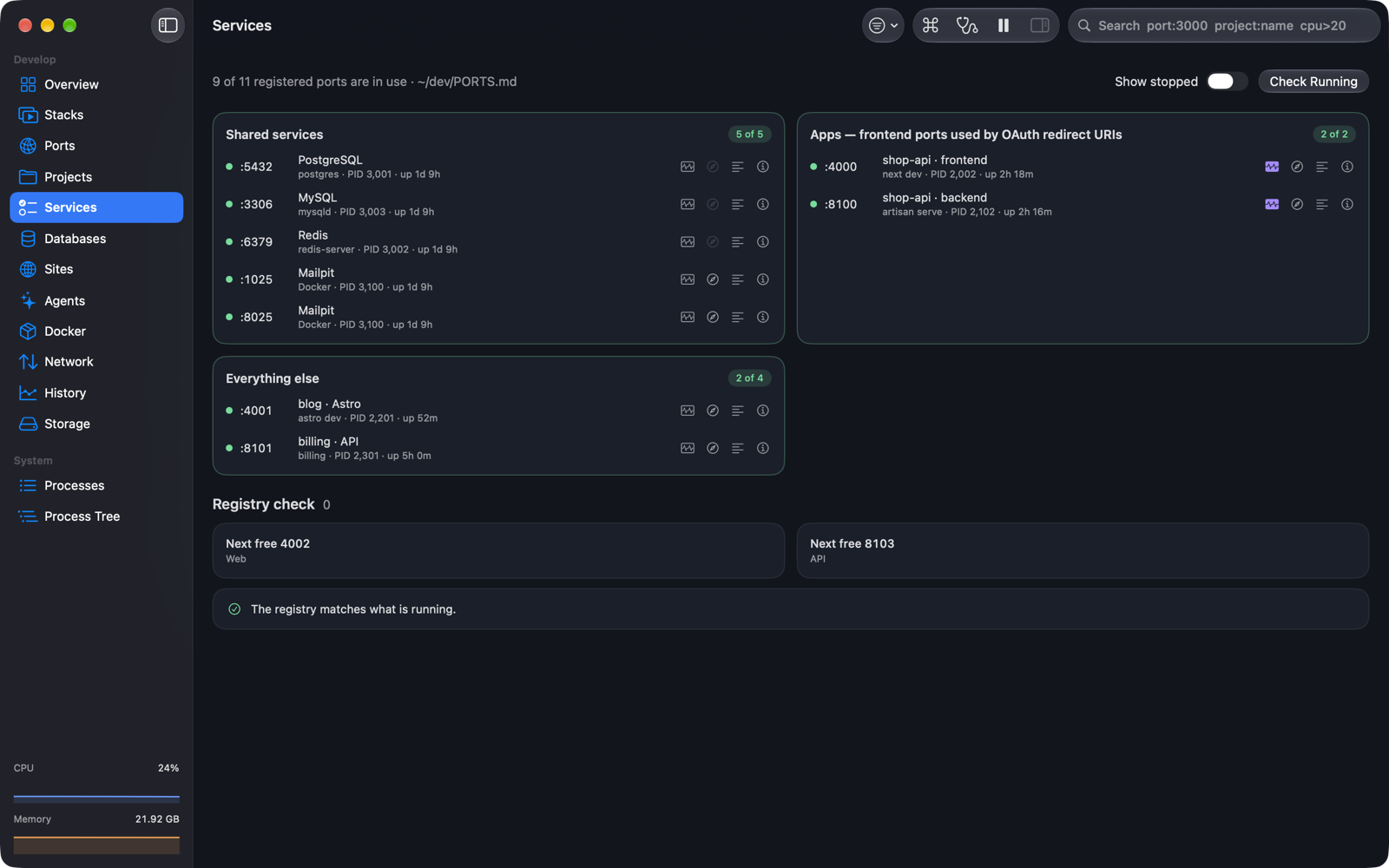
Each dev server is a card: its port, project, uptime, CPU and memory, with open, logs, check and stop buttons.

▶︎

One-click stacks

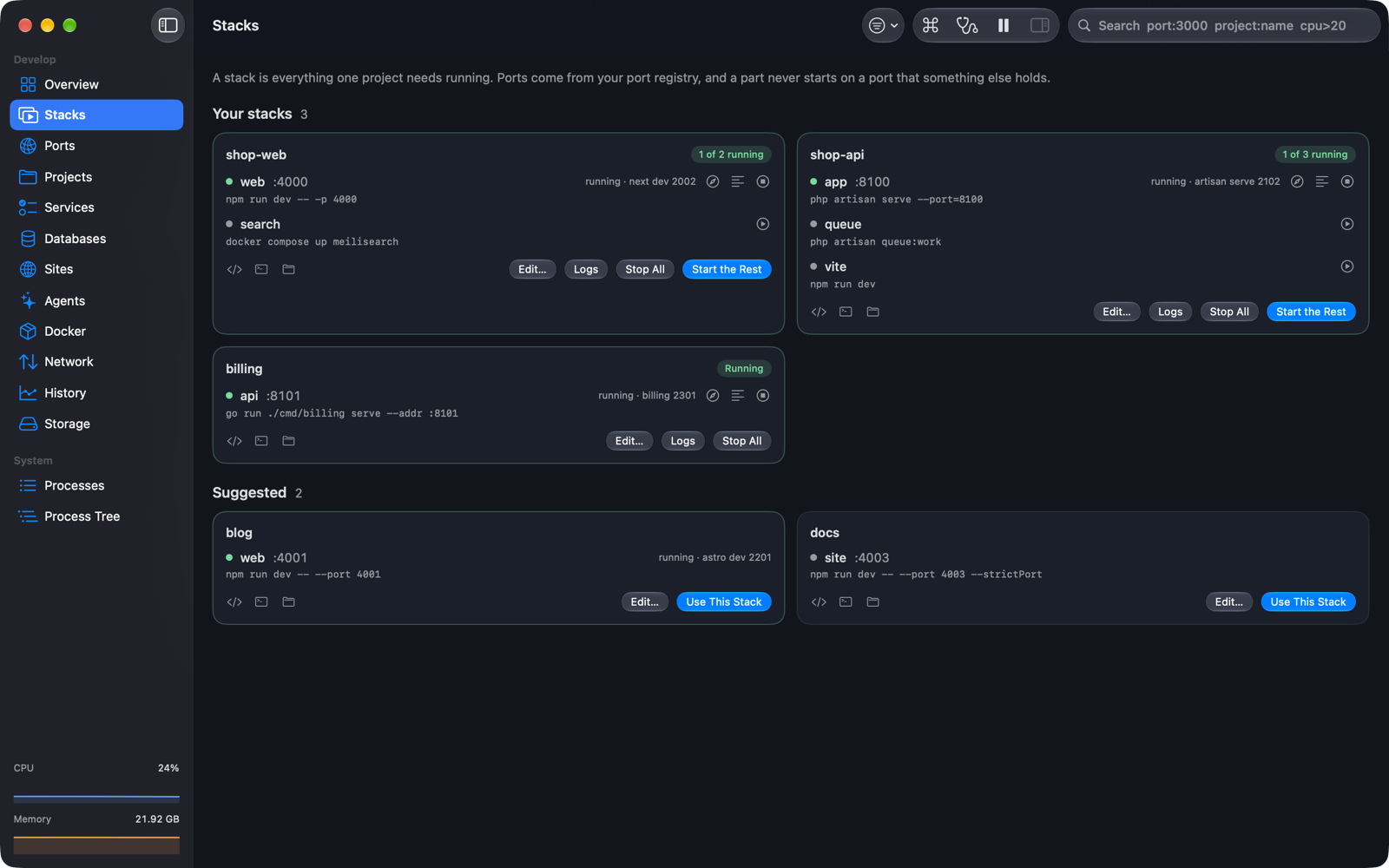
Start everything a project needs together. Suggested from package.json, Laravel, Procfile and compose files, with output saved to logs.

🔌

Ports that never clash

Keep a simple PORTS.md and Devtop warns when a project takes another's port, or runs where its sign-in redirect won't work.

✦

Coding agents, accounted for

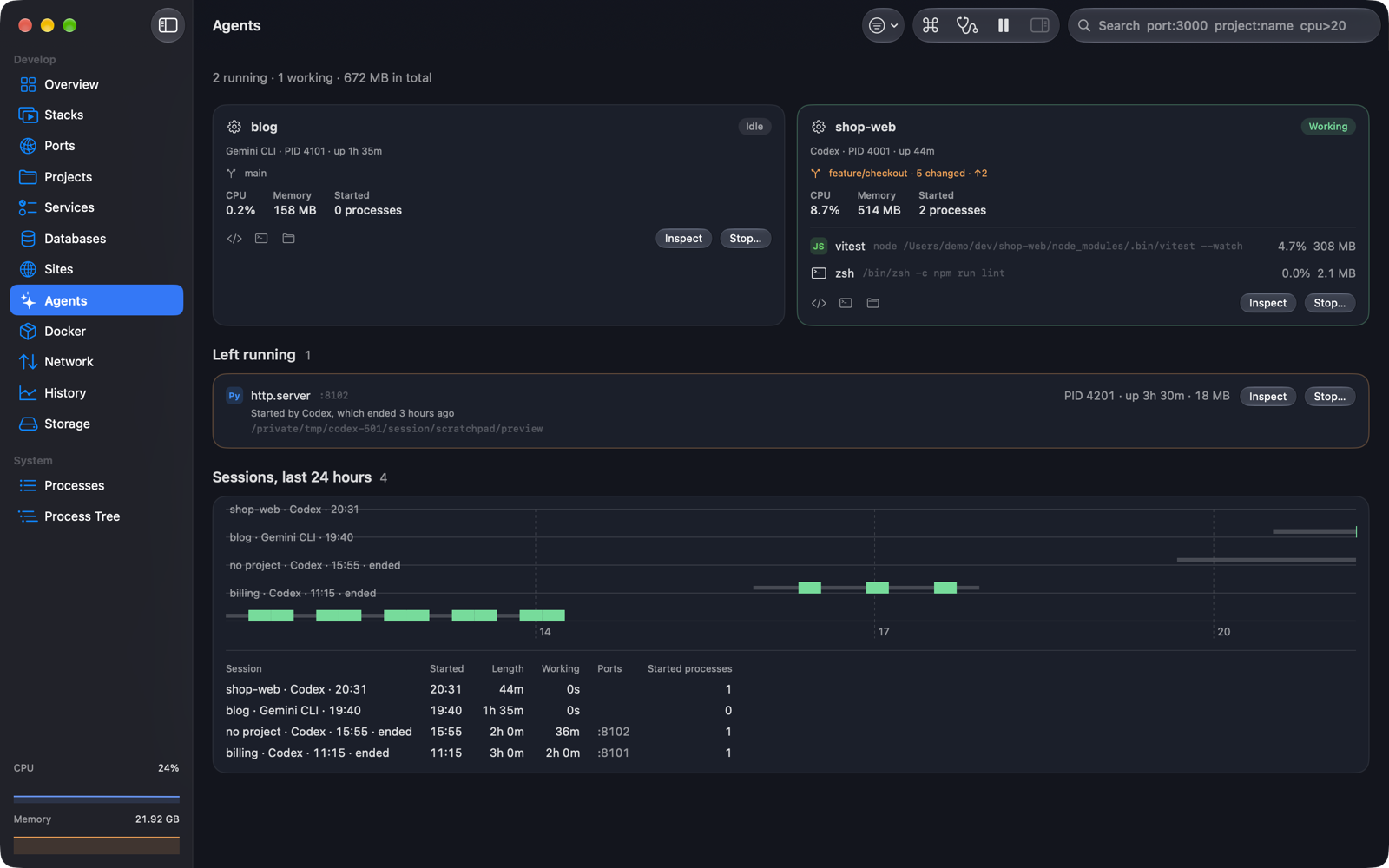
See what each terminal coding agent session started, when it worked, and the servers it left running after it ended.

🔍

Why is my Mac slow?

A 10-second check that explains the cause in plain words: a busy watcher, Spotlight indexing, low memory, or heat.

⌘

From anywhere

⌃⌥Space opens the command palette over any app. Type 3000 to see what's on port 3000. A menu bar panel shows the essentials.

A closer look

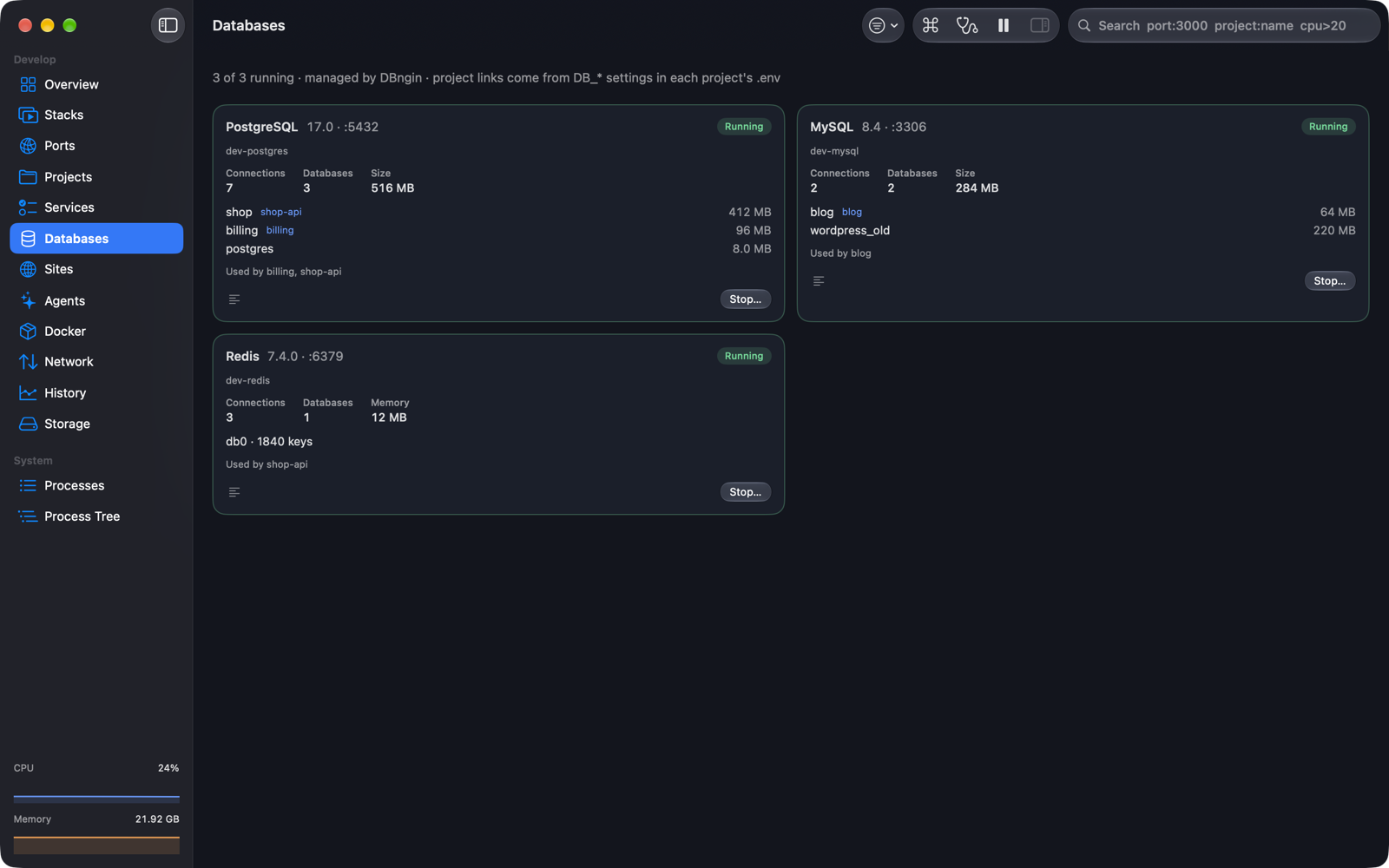
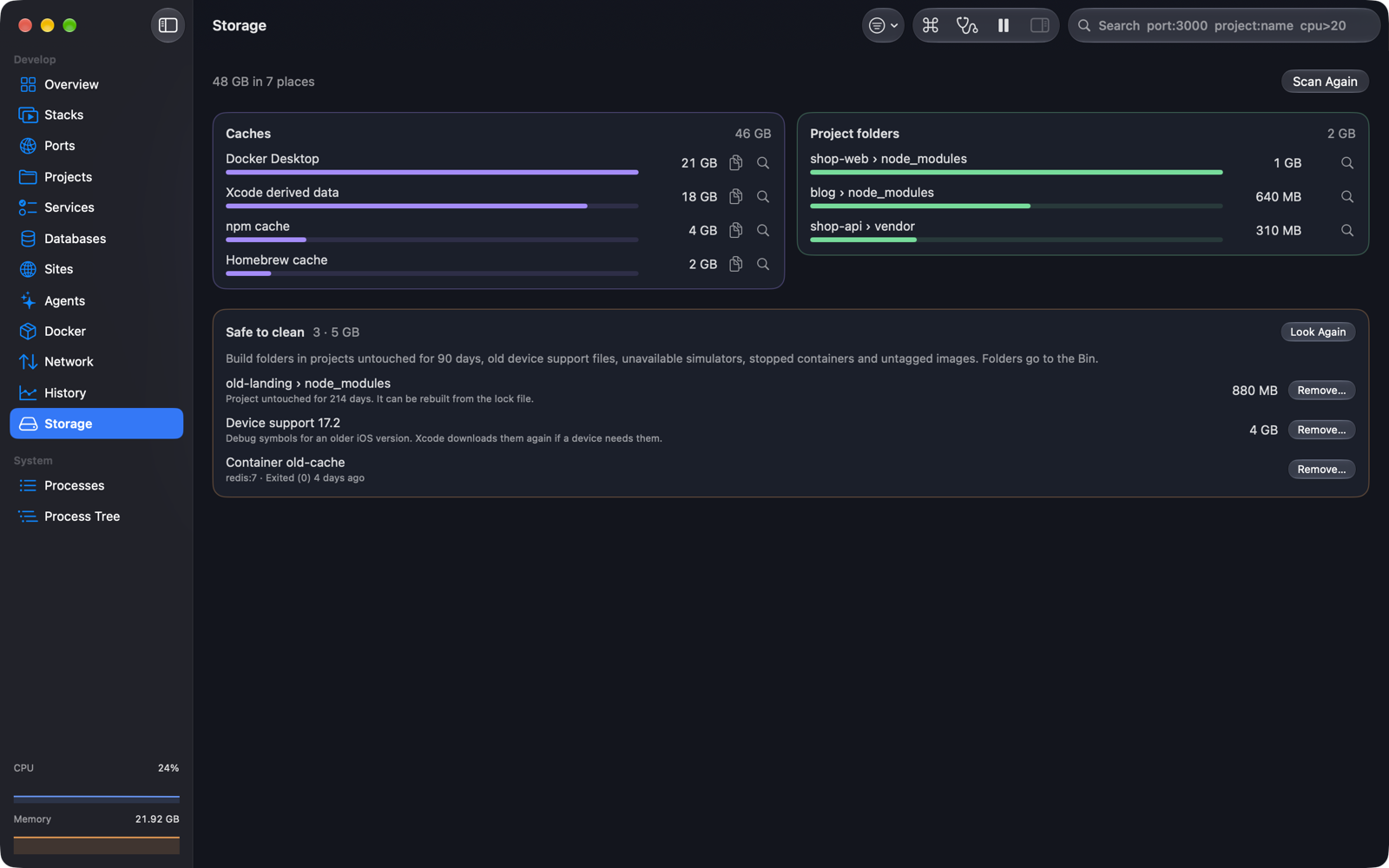
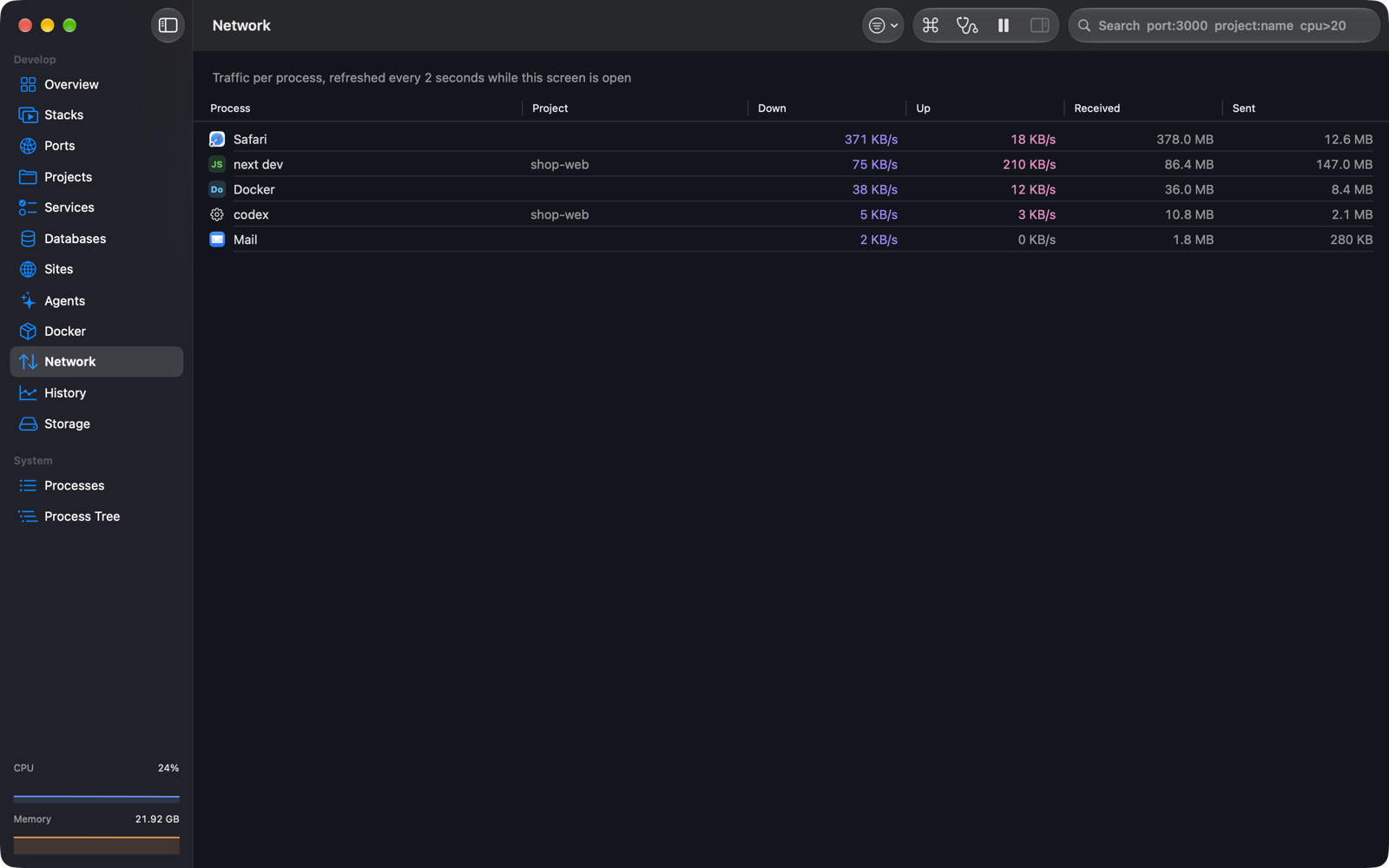
Shown with Devtop's built-in demo data.

Turn on only what you use

The core is always on. Everything else is a module you pick on first launch. A module that's off has no screen and does no background work.

Stacks

One-click start and stop for whole projects.

Port registry

Ownership, clashes and a live board from PORTS.md.

Coding agents

Sessions, timelines and leftovers.

Docker

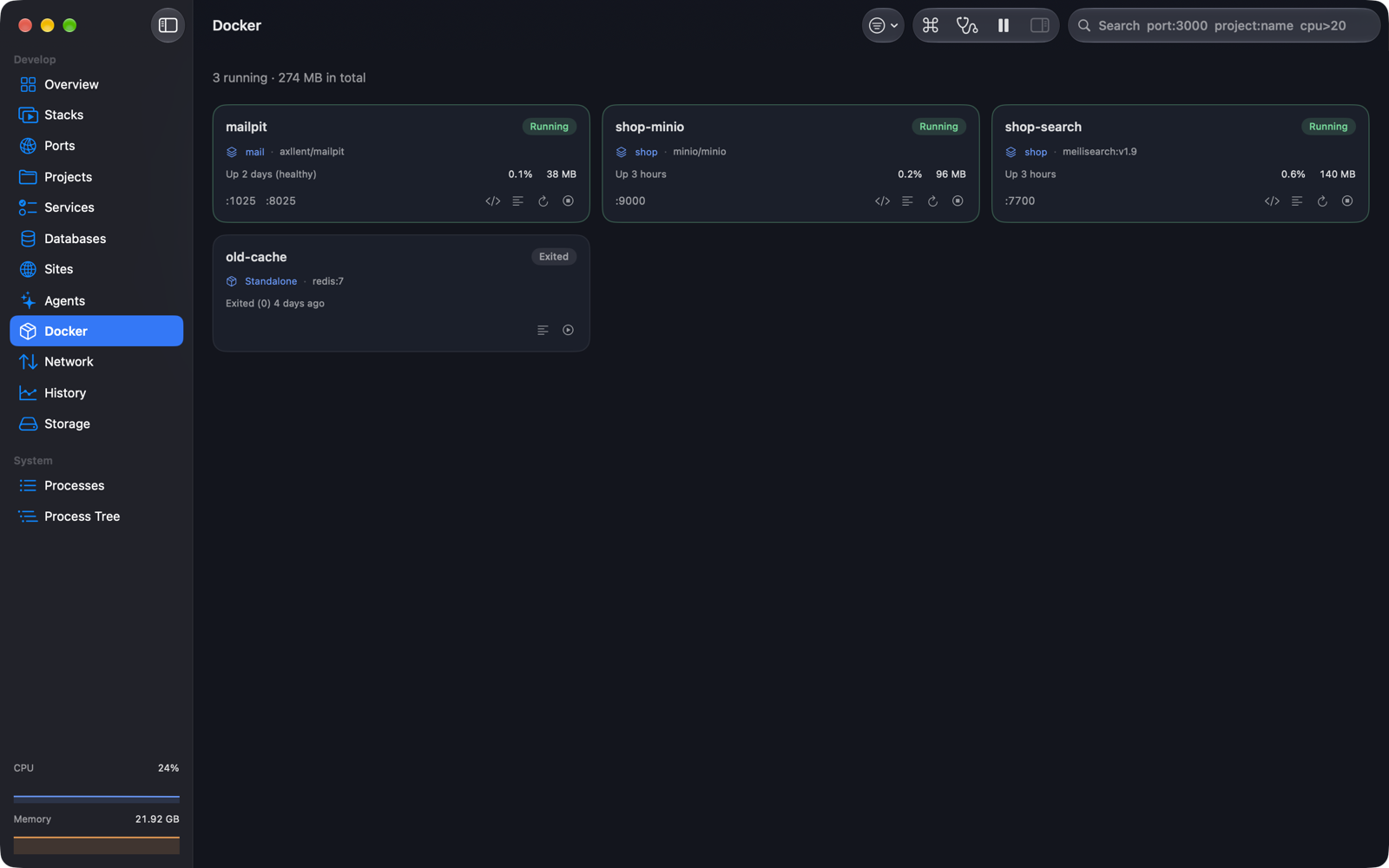
Docker Desktop, OrbStack and Colima.

Databases

PostgreSQL, MySQL, Redis and DBngin.

Laravel Herd

Sites, HTTPS and PHP versions.

Network

Traffic per process, only while open.

History

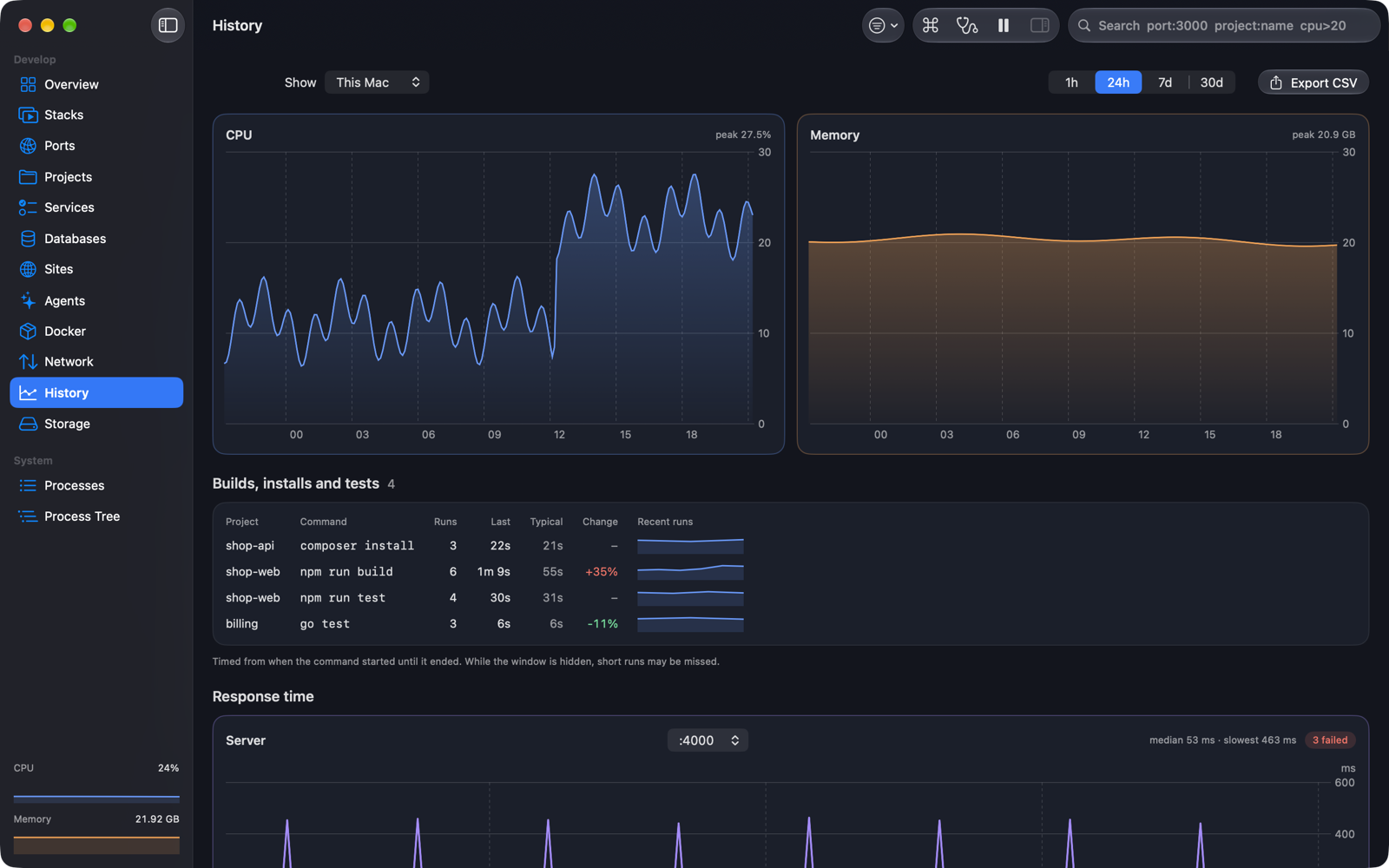
Usage, build times and response times.

Alerts

Runaway CPU and climbing memory.

Storage

Cache sizes and safe cleanup.

Git status

Branch and changes per project.

Fast, light, private

Native Swift, AppKit tables and kernel APIs. No Electron, no accounts, no telemetry.

  • Reads the kernel directly with libproc and sysctl, and slows down when hidden.
  • Never reads environment variables. From a .env it reads database connection keys only, never passwords.
  • Nothing leaves your Mac. History is stored locally, readable only by you.
  • Safe stopping. Checks PID and start time first, asks before stopping, and never stops Docker itself.
~1–2%CPU while open
<0.5%in the background
0bytes sent anywhere

A command line, too

Every answer is also a terminal command, with JSON for scripts.

$ devtop who 3000      # what's on port 3000
$ devtop stop 3000     # stop it (asks first)
$ devtop free 4000     # next free port
$ devtop projects      # usage by project
$ devtop agents --json # coding agents, for scripts
$ devtop check         # port clashes (exit 1 if any)

Install

For macOS 14 or later, Apple silicon and Intel. Open the disk image and drag Devtop to Applications.

⬇︎ Download Devtop

Or with Homebrew:

$ brew tap islandboymv/tap && brew trust islandboymv/tap
$ brew install --cask devtop

Devtop isn't notarised yet, so the first time macOS stops it: click Done, then System Settings › Privacy & Security › Open Anyway. Install guide.

Or build it from source:

$ git clone https://github.com/islandboymv/devtop.git
$ cd devtop && scripts/bundle.sh
$ open dist/Devtop.app

Build it with us

Ideas, bug reports and pull requests are all welcome.